Build with AI Community

Vibe with
XStudents.Developers.Mentors.Enterprises.

Antigravity

Join India's ultimate community-led technical workshop series. Build autonomous agents using Google's latest AI models.
BOOTCAMPS HAPPENING NEAR YOU
Bootcamps Happening At
BITSBITSVITIITDIIITHNITTNSUT
The Initiative

About the
Workshop.

Build With AI: Vibe with X is a free, in-person workshop by Google and Reskilll, coming to campuses across India.

You'll spend the day with Google Developer Experts learning to build with Google Antigravity: the AI that doesn't just write code, but plans, tests, and deploys autonomously.

"Walk in curious. Walk out with something you built, certified by Google."

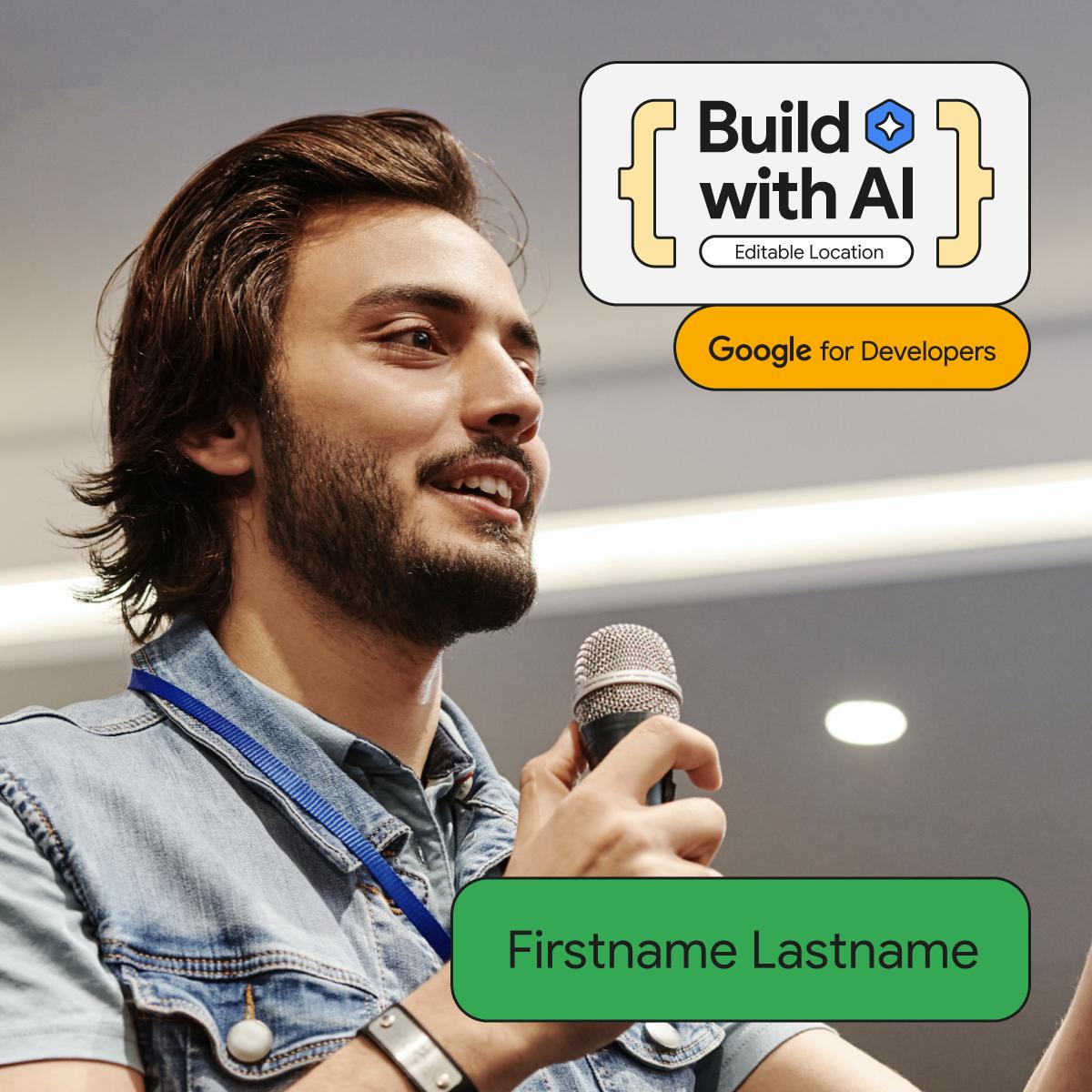
Build with AI Speaker
⏱️
4 Hours
Duration
📍
In-Person
Format
🏅
By Google
Certificate
Learning Paths

The Curriculum.

We don't do "Hello World." You'll master production-grade pipelines used by elite engineering teams.

Generative AI with Gemini

Generative AI with Gemini

Learn how to integrate Google's most capable AI models into your own applications and master prompt engineering.

Gemini APIMultimodalPrompt Design
Building with Antigravity

Building with Antigravity

Discover how to build high-performance, autonomous AI agents that can reason, plan, and execute complex workflows natively on Google Cloud.

AntigravityAgentic WorkflowsGoogle Cloud
Google Cloud AI Scale

Google Cloud AI Scale

Master the deployment of production-ready AI solutions and leverage the global infrastructure of Google Cloud Platform.

Cloud RunAI InfrastructureGlobal Scale

Getting started with

Antigravity Logo

Complete these steps at home to be ready to build the moment you walk through the doors.

1

Step 1: Download & install

  • Go to the Source: Visit antigravity.google and click the Download button.
  • Pick Your Version: Choose the installer for your computer (Windows, macOS, or Linux).
  • Install: Run the file. If you've ever installed VS Code, this will look very familiar—Antigravity is built on the same foundation.
2

Step 2: Initial setup

When you open Antigravity for the first time, it will guide you through a quick setup:

  • Sign In: Use your Google account (this is required for the preview version).
  • Import Settings: Choose to import your themes and shortcuts from VS Code or Cursor, or start fresh.
  • Select Your AI Policy: You'll be asked how much control you want to give the AI.

Recommended: Agent-Assisted (The AI handles safe tasks automatically but asks you before making major changes).

3

Step 3: Create your first workspace

Antigravity works best when it has a dedicated space to "think."

  • Open the Agent Manager (look for the "Mission Control" icon or the button in the center of the screen).
  • Click + Open Workspace.
  • Create a new folder on your computer for your project (e.g., my-first-ai-app) and select it.
4

Step 4: Prompt your first solution

Now, instead of creating files manually, you'll talk to the Agent Side Panel.

  • Open the panel (Shortcut: Cmd + L or Ctrl + L).
  • Switch to "Planning Mode": Tells the AI to create a plan before it starts writing code.
  • Give a Command: Type: "Build a simple weather app using HTML and JavaScript. Show the current temperature for a city and use a nice dark-mode design."

Watch the Agent Work: The agent will create the files, write the code, and even open a Browser Preview to show you the result.

Scroll to explore
The Timeline

The Complete Roadmap.

4 hours. Zero to deployed. No slides — just pure action.

0:0030 min

Arrive & Connect

Doors open. Coffee, networking, laptop setup. Your $5 in GCP credits handed at the door.

🎤
0:3030 min

See What's Possible

Your Google Developer Expert takes the stage — no slides. Just a live demo of Antigravity doing things you've never seen AI do.

⚙️
1:0030 min

Get Set Up

Install Antigravity, connect Google Cloud, redeem credits. Mentors in the room — nobody left behind.

🔨
1:3075 min

Build

Three progressive tasks. Mentors circulate. You'll have a real public URL by the end.

1Build your first AI agent2Integrate Gemini API3Deploy to Google Cloud
🏁
2:4545 min

The Challenge

One prompt. 45 minutes. Build something useful, creative, yours. Your name goes live on the national leaderboard.

🏆
3:3020 min

The Showcase

Top builds demo live. Audience votes. Winners announced on stage, swag handed out.

📜
3:5010 min

Certified & Done

Scan the QR code. Google certificate in your inbox within 48 hours.

The Rewards

Exclusive Perks.

Walk away with the tools, community, and credentials to accelerate your career.

🏆

Google Certificates

Earn an official certificate verified by Google for Developers upon completion.

🎁

Exclusive Swag

Get your hands on limited edition hoodies, stickers, and developer kits.

🧑‍💻

Expert Mentorship

Learn directly from Google Developer Experts and industry professionals.

🌐

Global Community

Join a network of AI developers and like-minded innovators worldwide.

💸

Prizes & Rewards

Stand a chance to win prizes worth ₹10 Lakhs+ for best capstone projects.

Cloud Credits

Receive free Google Cloud credits to scale your deployed AI applications.

Networking

Build artifacts.
Make new friends.

Experience the energy of a physical room full of builders. No virtual chat can replace the buzz of a live solve.

Community Networking
Need Help?

Got Questions?

Quick answers about joining the AI bootcamp.

Engineering students (B.Tech / M.Tech) and developers with 0–5 years of experience who want to build real AI applications — not just use them. No prior AI experience needed. If you can write basic code and want to see what agent-first development actually feels like, you're the right fit.

No. It's completely free. You also get $5 in Google Cloud credits on arrival.

Yes — but by doing, not by watching. In 4 hours you'll build an AI agent, integrate the Gemini API, and deploy it live on Google Cloud Run. That deployed URL is yours to keep, show, and build on.

Everything is handled on the day. Bring your laptop. Familiarity with VS Code or Cursor helps but isn't required.

Get Involved

Join the Waitlist.

Vibe with
Students.Entrepreneurs.Professionals.Enterprises.Students.

Limited seats for the AI revolution. Secure your spot on the official waitlist.

Join Us
Compiling India
50+ Campus Hubs | 1000+ Builders
Waitlist Capacity87% Filled
12k+Applicants
15Cities
24/7Support

Registration

Be the first to build with Google Experts on your campus.

Not a student?